
Get a Duplicate Electricity Bill Copy Online
Lost the paper bill or forgot the reference number? The bill record itself lives on PITC's servers, not your desk drawer — here's how to get a duplicate copy back for any DISCO.
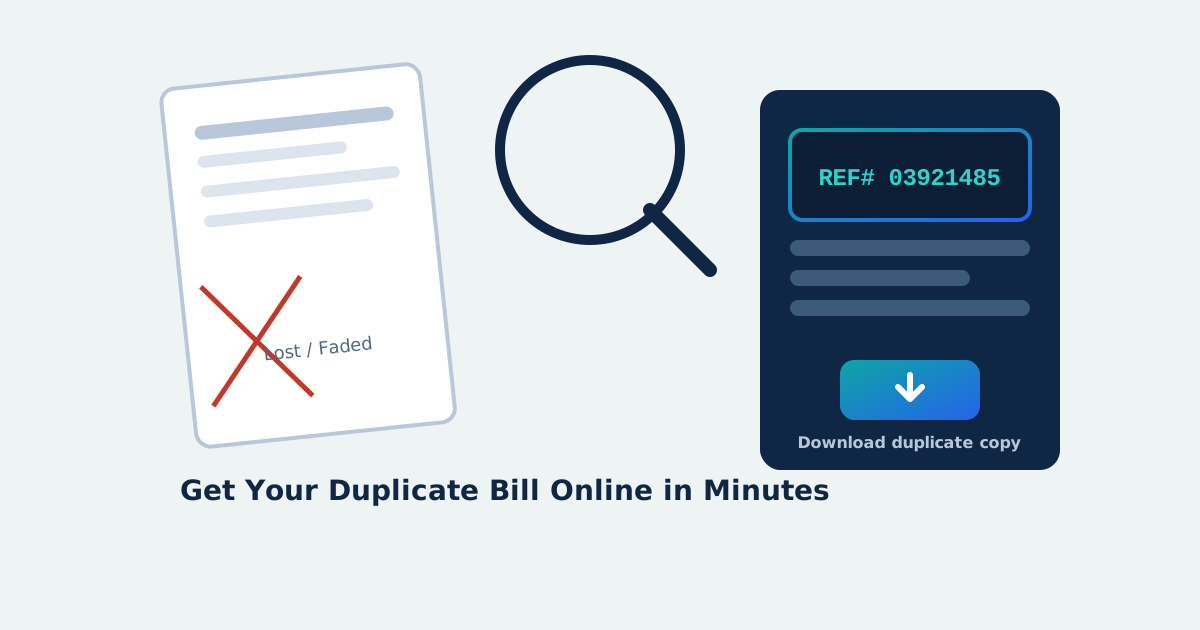
Losing the physical page doesn't lose the bill — the actual record sits on PITC's servers, untouched by whatever happened to the paper. What you actually lost is the 10-14 digit reference number printed on it, and recovering that is the entire task.
Step 1: Track Down the Reference Number
Check these sources before assuming it's gone for good:
- SMS alerts from your DISCO — most send the reference number and amount by text when a new bill generates
- Old payment receipts from a bank or wallet app — the number is usually printed right on the receipt
- Any screenshot or PDF saved from a previous online bill check
- Your DISCO's helpline, who can confirm the number after verifying your CNIC and address
- A neighbor's or your own note of the meter/consumer number, which your local DISCO office can match to a reference number
Step 2: Pull the Duplicate Online
Once you have the number, getting a fresh copy is quick:
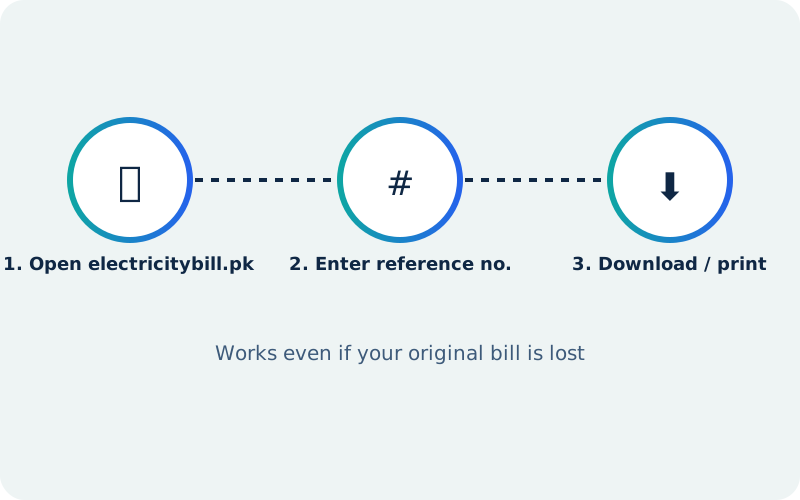
- Open Electricity Bill on your phone or computer
- Enter the 10–14 digit reference number
- Select your DISCO if the page asks
- The duplicate loads straight from PITC's live system — not a cached snapshot
- Print it or save it as a PDF through your browser's own print option
If the Reference Number Is Genuinely Gone
Go in person to your nearest DISCO customer service center or SDO office with your CNIC and whatever old paperwork you have — a previous bill, connection documents, anything with your account on it. Staff can locate the account by name, address, or meter number and issue a fresh reference number or duplicate bill directly.
Duplicate Bill vs. Just Checking a Bill
A duplicate is specifically a reprint of a bill you already received and then lost; 'checking' a bill can just as easily mean looking at your current outstanding balance for the first time. Both run through the identical reference-number lookup — if you're new to the process entirely, our guide on checking your bill online covers the same steps from scratch.
So This Doesn't Happen Again
Once you have the duplicate, save a digital copy somewhere you'll actually find it later — a phone gallery folder or cloud storage works fine. Bookmarking Electricity Bill on your home screen means the physical paper stops being the only place your bill exists.
Get your duplicate bill copy now
Check Bill Now →Check any Pakistan DISCO electricity bill
Use your 14-digit reference number on the home checker, or jump straight to the DISCO that bills your address.